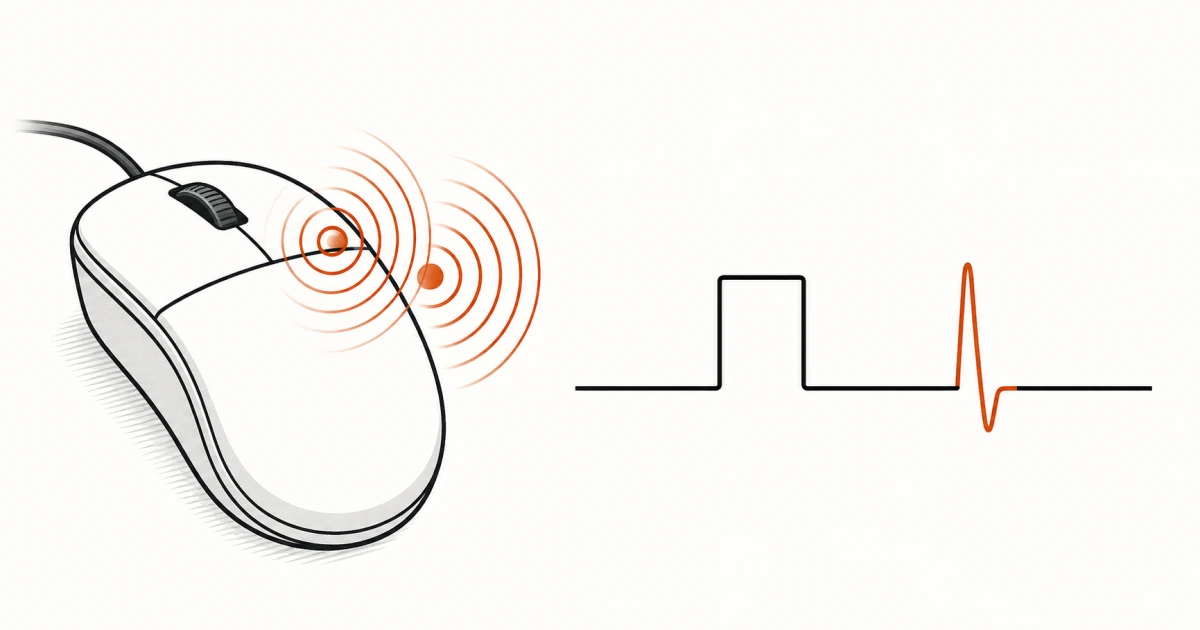
You click once. The file opens. You click a link once and it fires twice. If your mouse has started double-clicking on a single click, the cause is almost always a worn microswitch — and you can confirm it in about thirty seconds.
The short answer: a single physical press is producing two electrical signals, because the metal contact inside the left-button switch has worn and now bounces instead of closing cleanly. It’s called switch chatter. It gets worse over time, it isn’t a software problem, and no driver update fixes it. Confirm it with the free online mouse test, then decide between a £5 switch replacement and a new mouse.
Confirm it in 30 seconds
Before you change any settings, prove what’s actually happening. Open the mouse test and find the Double-click panel.
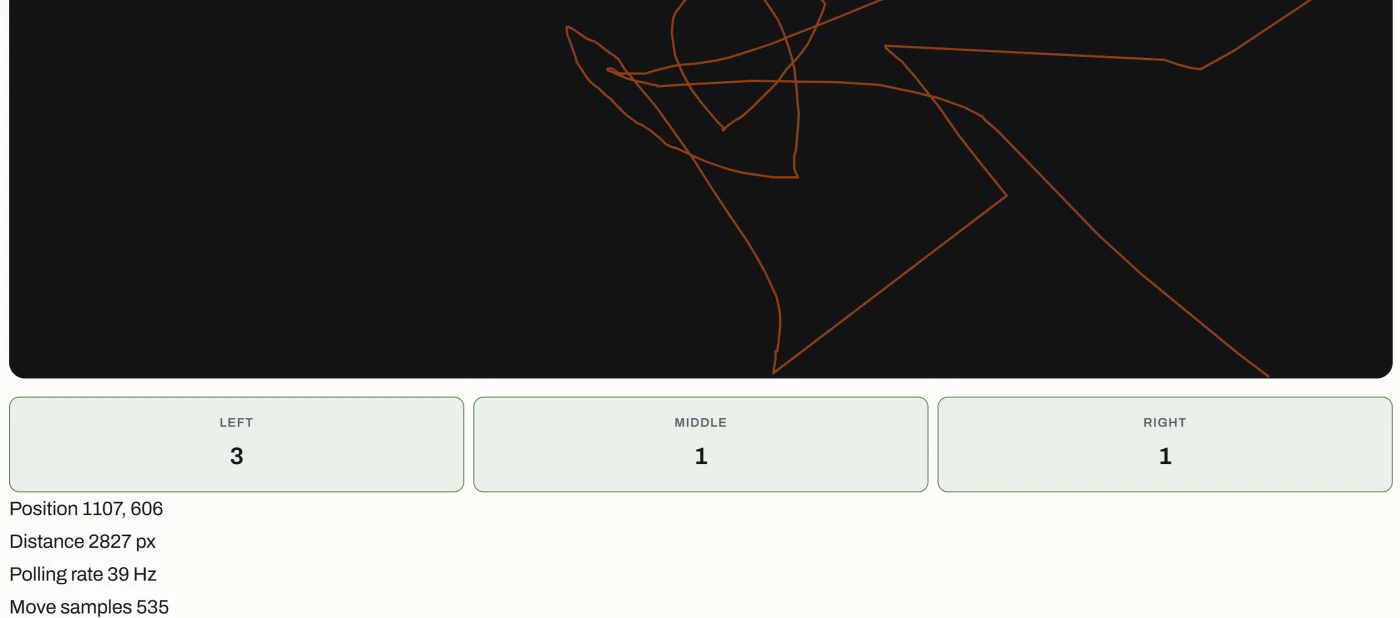
- Click the double-click target as a single click. One press, then take your finger off.
- Wait at least half a second. Then click once more. Repeat ten times.
- Watch the Recognised counter.
If that counter goes up while you are deliberately single-clicking, your mouse fired two clicks close enough together that the operating system counted them as a double. That is chatter, and it is conclusive.
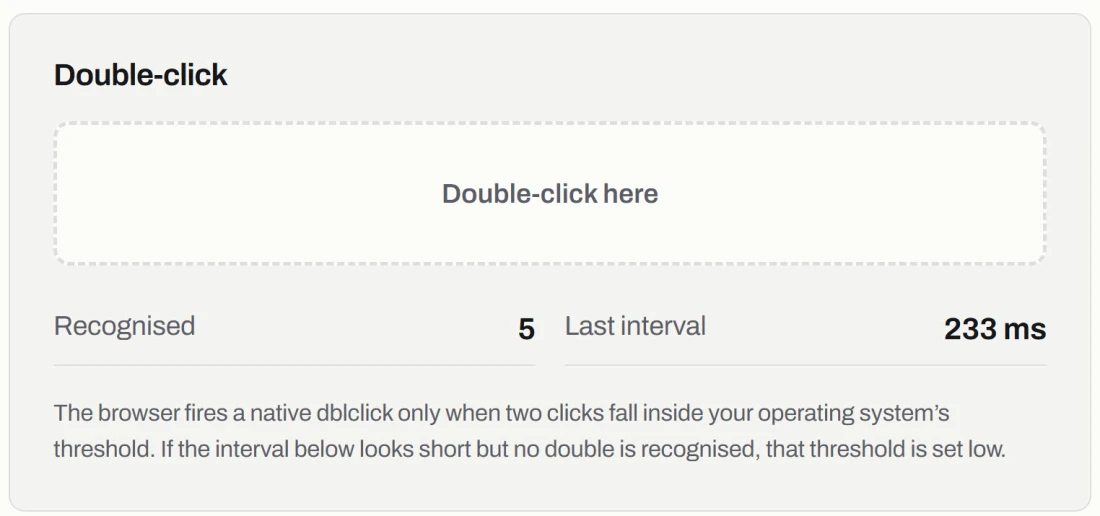
This works because the count comes from the browser’s own dblclick event rather than a guess — so it reflects your real operating-system threshold, not an arbitrary number. The Last interval figure next to it tells you how many milliseconds apart the two presses landed. A healthy mouse clicked deliberately once will never register anything there.
What is actually failing inside the mouse
Under each mouse button sits a mechanical microswitch — usually an Omron D2F or a Kailh equivalent, a component about the size of a sugar cube. Inside it is a thin curved metal leaf. Pressing the button pushes that leaf until it snaps against a contact, completing a circuit.
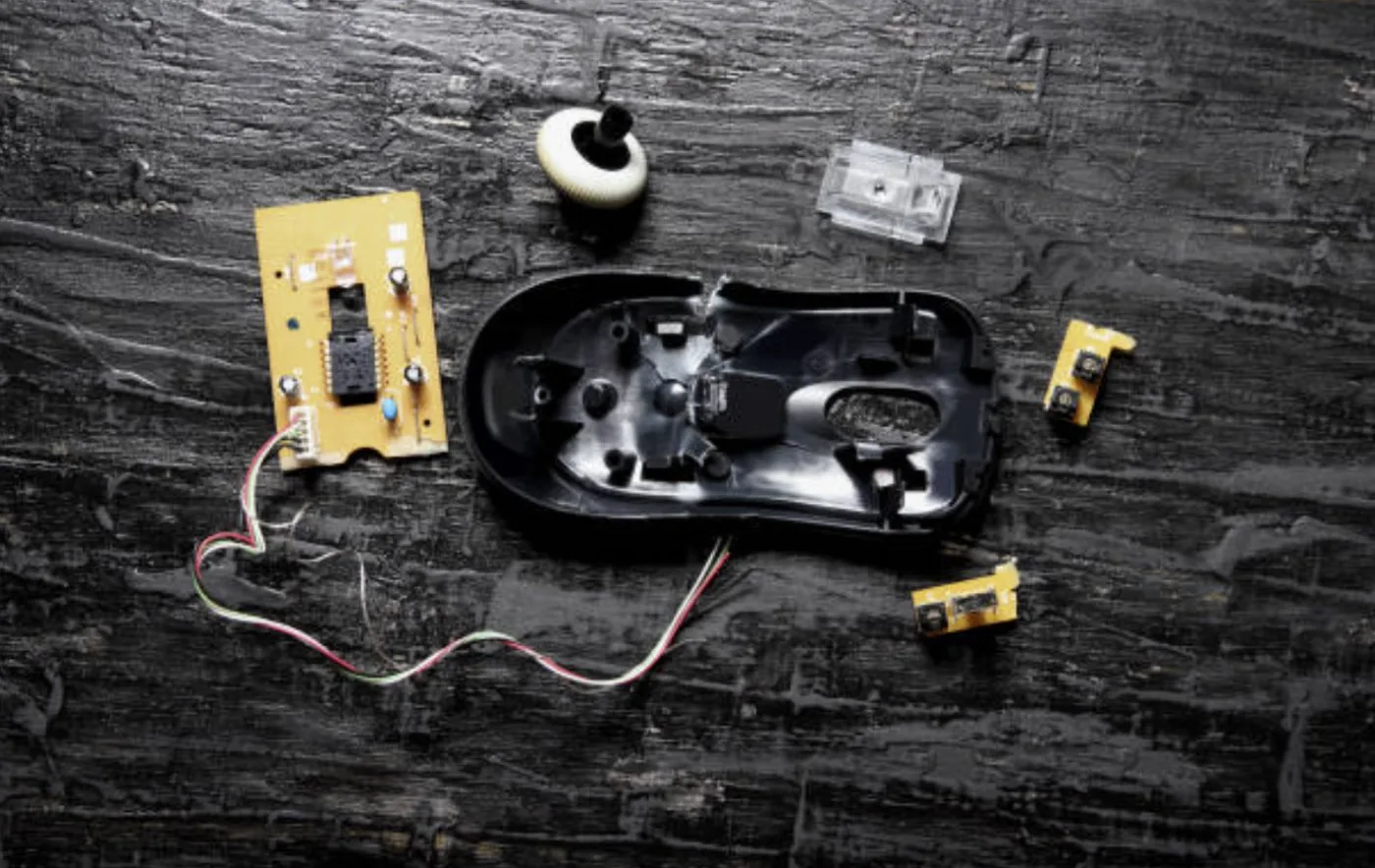
After a few million presses, the leaf loses tension and the contact surface oxidises. Instead of one clean closure it now makes and breaks contact several times in a few milliseconds as it settles — the same way a dropped ball bounces before coming to rest. The mouse’s controller sees those bounces as separate clicks and reports them.
Every mouse has debounce logic designed to ignore this, typically discarding any second signal within about 10 milliseconds. Chatter starts when the bounces stretch beyond that window. That’s why the problem appears gradually and then gets rapidly worse: you’re not crossing a line between working and broken, you’re watching a window close.
The other symptom nobody connects to it
If drag-and-drop keeps failing — you pick a file up and it drops halfway, or text selection stops mid-sentence — that is the same fault. A chattering switch fires a phantom release during the press, and the operating system interprets it as you letting go.
People usually report these as two unrelated problems and get told to update their drivers for both. It’s one worn switch.
How to fix it, from cheapest to most permanent
1. Increase the double-click speed setting (a workaround, not a fix)
On Windows, open Settings → Bluetooth & devices → Mouse → Additional mouse settings → Buttons and drag Double-click speed toward Fast. On macOS it’s System Settings → Mouse → Double-Click Speed.
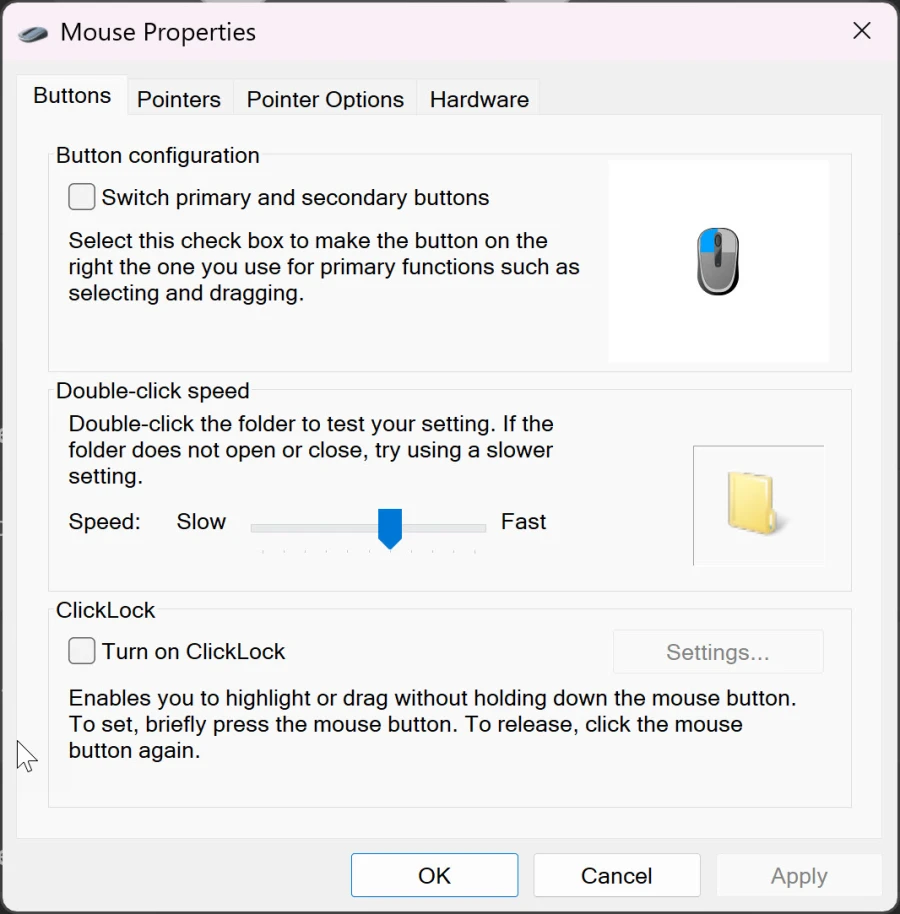
This narrows the window in which two clicks count as a double, so mild chatter stops registering. Be clear about what you’ve done: the switch is still bouncing and the extra clicks are still being sent. You have only made the OS pickier about counting them. It buys weeks, sometimes months, and it does nothing at all for the drag-and-drop symptom.
2. Adjust debounce in the manufacturer’s software
Most gaming mice expose a debounce setting in their companion app — Logitech G HUB, Razer Synapse, SteelSeries GG and Corsair iCUE all have one, usually expressed in milliseconds. Raising it from 8 ms to 16 ms or 20 ms tells the mouse itself to ignore a longer bounce.
This is a better workaround than the OS setting because it fixes both symptoms, and it’s free. The trade-off is a few milliseconds of added click latency, which is imperceptible outside competitive gaming. If chatter persists at the maximum debounce value, the switch is too far gone.
3. Clean the switch with contact cleaner
Where the contact is oxidised rather than worn, cleaning genuinely can restore it. You’ll need to open the mouse — usually screws hidden under the PTFE feet — and apply a small amount of electrical contact cleaner into the switch housing, then click it thirty or forty times to work it through.
Use a proper contact cleaner such as DeoxIT, not WD-40 or isopropyl alcohol. WD-40 leaves a residue that attracts dust and will make things worse within months; alcohol evaporates too quickly to lift oxidation. Expect this to work perhaps half the time, and when it does, expect months rather than years.
4. Replace the switch
This is the actual fix. Replacement switches cost a few pounds for a pair, and the failed one is almost always the left button.
On a hot-swap mouse — increasingly common on enthusiast models — the switch lifts out of a socket and the job takes five minutes with no tools. On everything else it means desoldering three pins and soldering in the replacement: genuinely beginner-level soldering, but soldering nonetheless. If you’ve never held an iron, the mouse is a reasonable thing to learn on, because you cannot make it much worse.
Buy from a reputable seller. Counterfeit Omron switches are widespread and fail within months, which is a miserable outcome after doing the work.
5. Check the warranty before you open anything
Do this first, because opening the mouse voids it. Several manufacturers run two-year warranties and treat chatter as a recognised defect — Logitech and Razer both have a track record of replacing affected mice without much argument. If yours is under two years old, contact support before reaching for a screwdriver. The test result gives you something concrete to describe.
When it isn’t the switch
Chatter accounts for the large majority of cases, but not all. Rule these out if the test shows nothing:
Accessibility settings
Windows Filter Keys and macOS Mouse Keys can both alter how clicks are interpreted. Worth thirty seconds to check if you’ve recently changed accessibility options.
Remapping software
X-Mouse Button Control, AutoHotkey scripts and PowerToys can all duplicate clicks through misconfiguration. Quit them and retest.
Wireless interference
A failing battery or a congested 2.4 GHz receiver can duplicate packets. Try fresh batteries, a different USB port, and a short extension to move the dongle away from USB 3.0 ports.
Single-click-to-open
If files open on one click but nothing else misbehaves, Windows may simply be set to single-click activation in File Explorer’s folder options. Nothing is broken.
How long should a mouse last?
Switches are rated in clicks, not years — commonly 10, 20 or 50 million depending on the model. That sounds enormous, but a heavy user clicks a few thousand times a day, and gaming adds far more. Chatter appearing after two to three years of daily use is normal wear rather than a defect, which is also why it tends to arrive just after the warranty ends.
A higher click rating is one of the few mouse specifications that reliably predicts lifespan. Hot-swap sockets are the other thing worth paying for, because they turn a future failure into a five-minute job.
Check the rest while you’re here
The same wear mechanism affects other hardware. If your mouse switch has gone, the keyboard bought at the same time may be heading the same way — key chatter produces duplicate letters and shows up in exactly the same manner, as two events milliseconds apart in the keyboard test event log.
Frequently asked questions
Can a software update fix mouse double-clicking?
No. Chatter is a mechanical fault inside the switch, and no driver or firmware update repairs worn metal. Firmware can raise the debounce threshold, which masks the symptom — that’s why an update occasionally seems to help for a while. The switch continues to degrade underneath.
Is it worth repairing or should I just replace the mouse?
If the mouse cost more than about £40, repair is worth it: switches are a few pounds and everything else — sensor, cable, shell, scroll wheel — is typically still fine. Below that, or if you don’t want to solder, replacement makes more sense. A hot-swap mouse changes the maths entirely, because the repair takes five minutes.
Why does it seem worse in some applications?
Different applications treat rapid clicks differently. A file manager opens something on a double-click, so chatter is instantly obvious. A drawing app may register a duplicate stroke you never notice. The mouse behaves identically everywhere — only the consequences differ, which is why people often think it’s an application bug at first.
Does this happen to trackpads too?
Rarely in the same way. Most modern trackpads register clicks capacitively or through a haptic engine with no mechanical contact to wear out. Older trackpads with a physical hinge switch underneath can develop the same fault, and the mouse test detects it identically — a trackpad sends the same browser events as a mouse.
My mouse double-clicks only occasionally. Is that still chatter?
Almost certainly, and it’s the early stage. Chatter is intermittent at first because the bounce only sometimes exceeds the debounce window, then becomes constant as the contact degrades. Testing across a few sessions is more revealing than one attempt — if the recognised count rises even once during deliberate single clicks, the switch is on its way out.
Can cleaning make it worse?
Yes, with the wrong product. WD-40 and similar penetrating oils leave a residue that attracts dust and degrades the contact further — a common reason a mouse gets briefly better then noticeably worse. Use a purpose-made electrical contact cleaner, and if you’re not confident opening the mouse, skip straight to replacing the switch or the mouse.