Guides
Guides to the problems our tools surface: browser permissions, driver quirks, failing switches, and how to tell a hardware fault from a settings mistake.
-

Dead Pixel or Stuck Pixel? How to Tell the Difference — and What You Can Actually Fix
A stuck pixel shows one colour and can often be revived. A dead pixel stays black and usually can’t. Here’s how to tell them…
-
Keyboard Keys Not Working? Diagnose the Pattern, Then Fix It
One dead key, a whole row, or random dropped letters — each pattern has a different cause. Diagnose first with a key test, then…
-
No Sound on Windows 11? Fix Speakers and Headphones Step by Step
Sound gone after an update or a new monitor? Wrong output device and HDMI audio hijacking cause most cases. Work through these fixes in…
-
Microphone Not Working on Windows 11? 9 Fixes in the Right Order
Nobody can hear you on the call, but the mic worked last week. Walk these 9 fixes in order — privacy settings, wrong input…
-
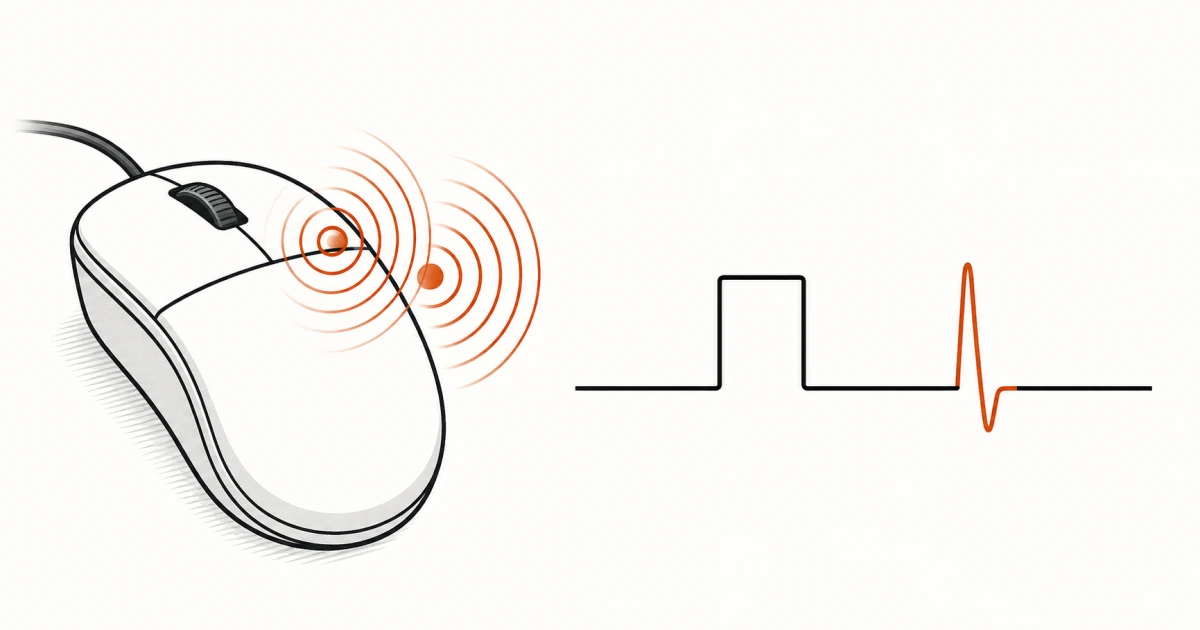
Mouse Double-Clicking on Single Click? Why It Happens and How to Fix It
You click once. The file opens. You click a link once and it fires twice. If your mouse has started double-clicking on a single…
-
Mac Camera Not Working in Safari or Chrome — Complete Fix Guide
Your MacBook’s camera shows a black screen, an exclamation mark, or simply doesn’t appear in the menu when Zoom asks. The good news: in…
-
Camera Not Working on Windows 11? 8 Fixes That Actually Work
Your webcam was fine last week. Today, Zoom shows a black screen and Windows insists no camera is connected. Before you book a repair…
-

How to Test Your Webcam Online: A Step-by-Step Guide
Did you know that even after the Covid-19 pandemic is long gone, remote work and virtual communication is still on the rise? Recent studies…